Hi everyone,
I’m working with ODV version 5.8.2 and facing an issue where isopycnals are automatically generated in a TS diagram (via Extra > Isopycnals). However, I’d like to display only selected ones, rather than all of the ones that are generated by default. So far, I haven’t found an option to control this directly.
Is there a workaround or feature in this version that I may have missed?
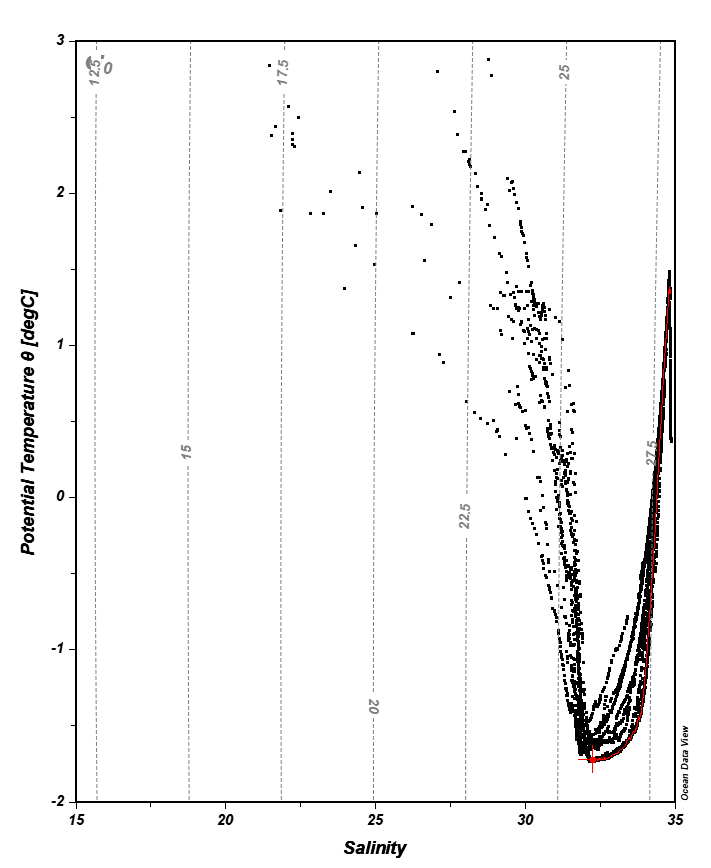
Any tips or suggestions would be much appreciated!
Best regards,
Niklas